01
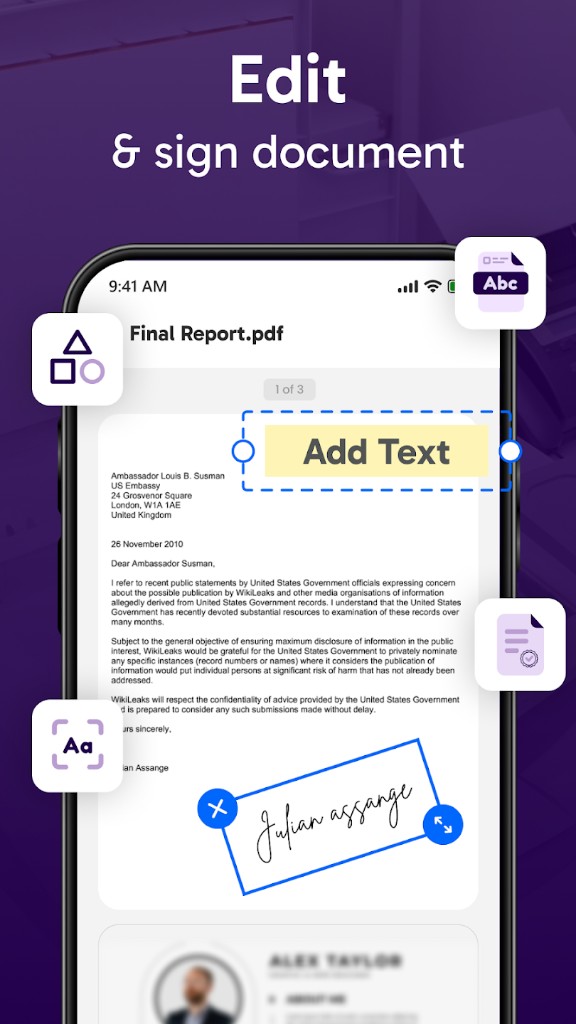
Edit & Sign PDFs
Add text, images, shapes, highlights, and digital signatures directly on PDF documents from mobile.
An all-in-one document scanning and PDF productivity platform that simplifies scanning, editing, organizing, and sharing documents directly from a smartphone. Users can capture paper documents, extract editable text, annotate and sign PDFs, convert between formats, and manage files without leaving the app.
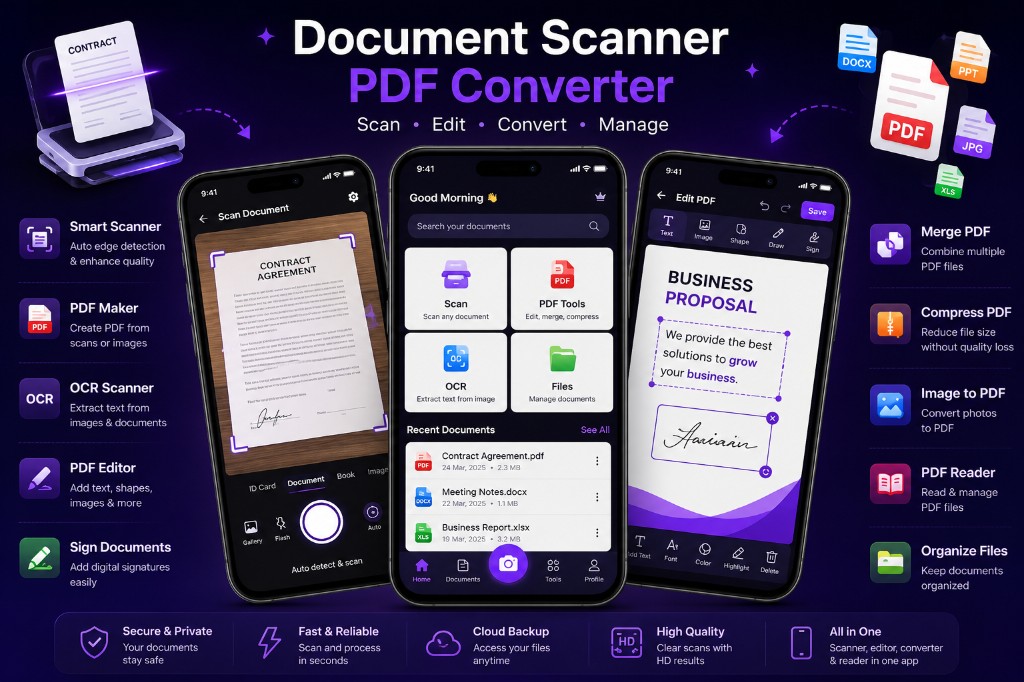
From intelligent scanning and OCR to PDF editing, format conversion, and file management — every step of the document lifecycle in one app.
PDF editing & signing
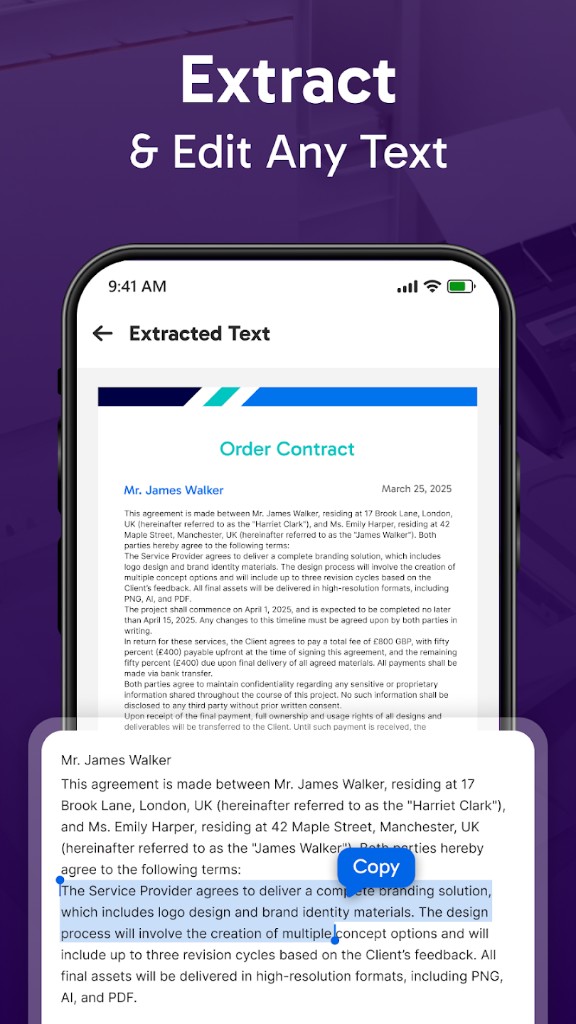
OCR text extraction
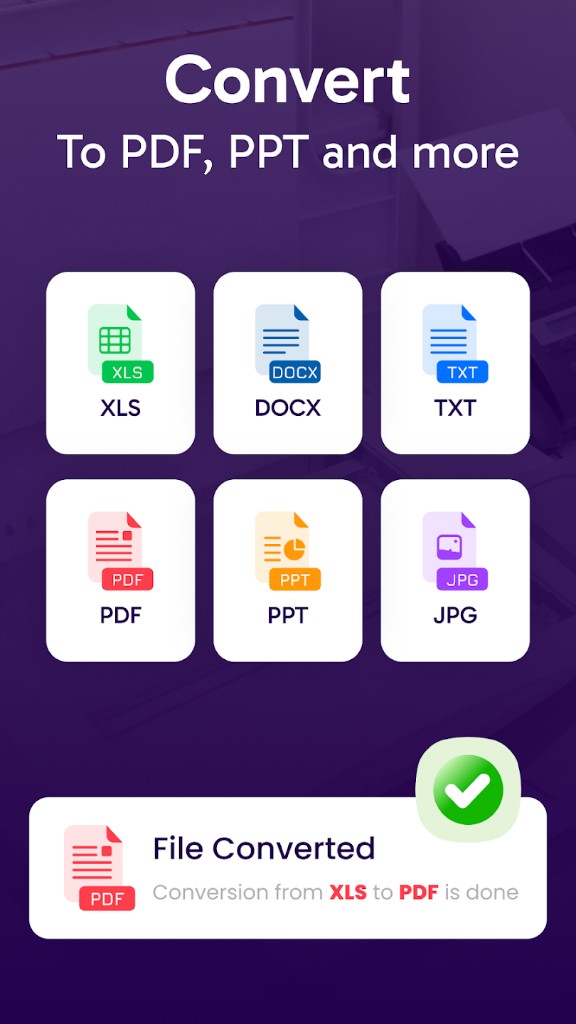
Multi-format conversion
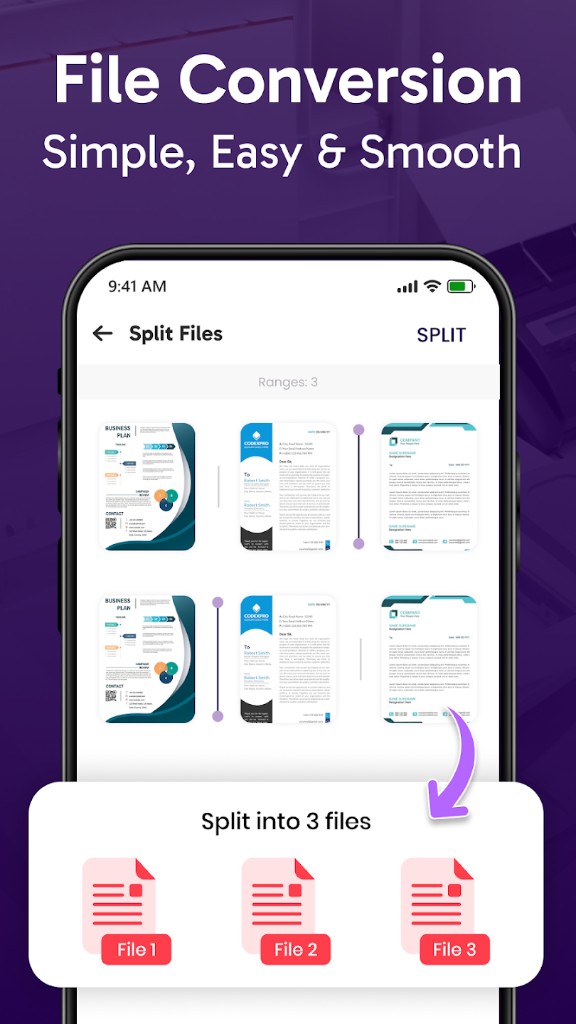
Multi-page document splitting
Most mobile scanning apps only solve one part of the workflow — scanning, editing, signing, OCR, or PDF management — forcing users to switch between multiple tools. The objective was to create a single productivity platform that handles the complete document lifecycle while remaining fast, intuitive, and reliable on Android devices.
Built a native Android document management application with intelligent edge detection, automatic image enhancement, OCR-powered text extraction, PDF editing, digital signatures, compression, and multi-page organization — all in a single streamlined mobile experience.
The Android application combines camera-based document capture with on-device edge detection and image enhancement pipelines. Scanned pages flow through OCR services for text extraction, a PDF processing layer for editing, annotation, signing, compression, and format conversion, and a local document library for organization and retrieval. Material Design patterns keep complex tooling accessible on small screens.
01
Add text, images, shapes, highlights, and digital signatures directly on PDF documents from mobile.
02
AI-powered OCR extracts editable text from scanned documents and images for copy, search, and reuse.
03
Convert between PDF, Office, and image formats, split multi-page documents, and manage files in one place.
Product Research & UX
2 weeks
Document Scanning & Enhancement
3 weeks
OCR & PDF Processing
4 weeks
Editing, Signing & Conversion Tools
3 weeks
Production Launch & Improvements
Ongoing
We'll help you design, build, or scale the right solution, whether it's an AI product, platform, mobile app, or automation system.